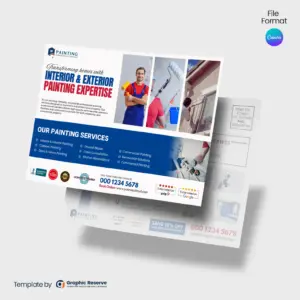
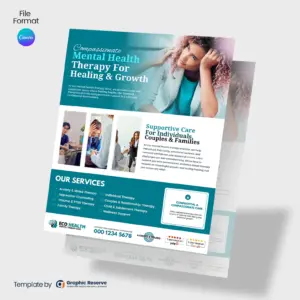
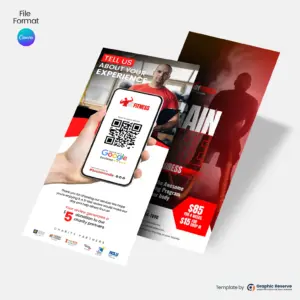
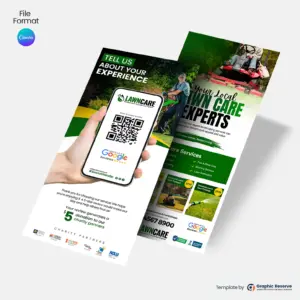
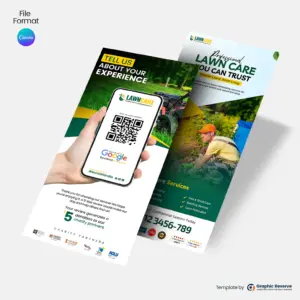
Every design in this collection is made for a specific kind of business, so the headline, services and offer already fit your customers. You replace the sample business name, phone number, photos and prices with your own.
What to put on a flyer
One headline that says what you do and who it is for
A clear offer, such as a discount, a free estimate or a seasonal special
Your services in a short list, not a paragraph
Proof you can back up: reviews, years in business, licensed and insured
How to reach you: phone number, website and a QR code
Sizes and printing
Most flyers are letter size (8.5x11 in), and some come as A4, A5 or DL; the exact size is listed on each product page. Most designs use Canva Pro elements, and CMYK print export needs Canva Pro; both are included in the free 30-day Canva Pro trial. Export a PDF Print file for your printer, or download a PNG to share online.
Where to use your flyer
Hand out at jobs and leave with every invoice
Post on community boards and in local shops that allow it
Yes. Every flyer is a Canva template: change the text, colors, photos and logo, then download it. Most designs use Canva Pro elements, and CMYK print export needs Canva Pro; both are included in the free 30-day Canva Pro trial.
What size are the flyer templates?
Most are letter size (8.5x11 in), and some are A4, A5 or DL. The exact size of each design is listed on its product page.
Can I print these flyers at any print shop?
Yes. Export a PDF Print file from Canva and send it to your local printer or an online service such as VistaPrint.
Can I share the flyer on social media?
Yes. Download a PNG or JPG from Canva and post it on Facebook, Instagram or Nextdoor, or send it by text and email.
What should a business flyer include?
A clear headline, one offer, a short list of services, proof such as reviews or licensing, and your phone number, website and a QR code.
This website uses cookies to ensure you get the best experience on our website.