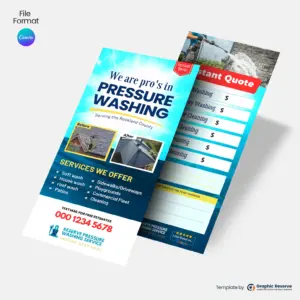
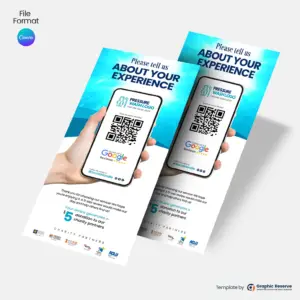
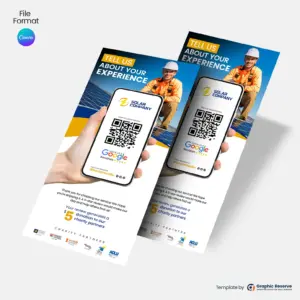
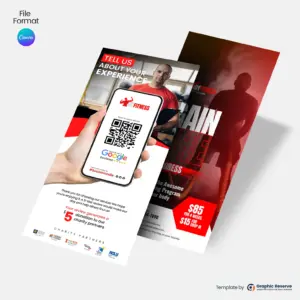
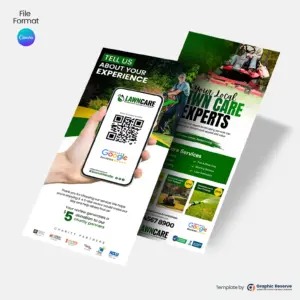
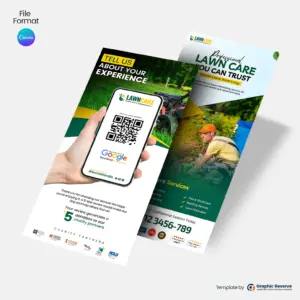
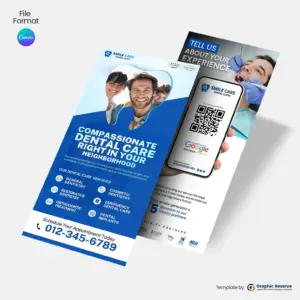
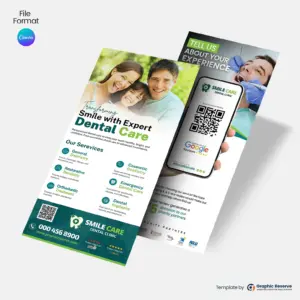
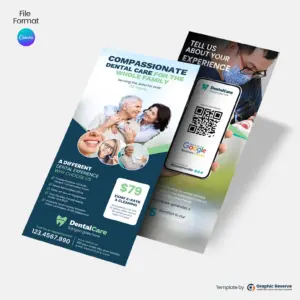
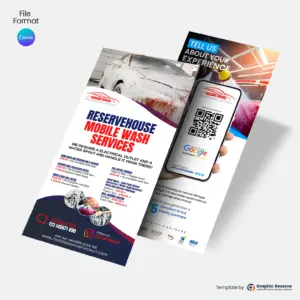
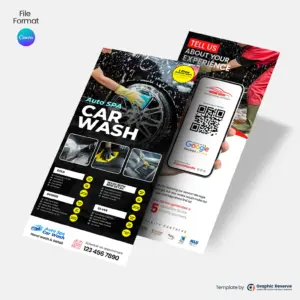
The review request rack card and flyer templates in this collection help local businesses turn finished jobs into 5-star Google reviews. Each design pairs a friendly “how did we do?” message with a scannable QR code that takes the customer straight to your Google review form — no searching, no typing your business name. Hand one over at job completion, include it with the invoice, or display it at the counter, and the moment of highest customer satisfaction becomes a public review.
The collection covers the niches where reviews drive the most business: dental practices, car washes, junk removal, lawn care, moving companies, plumbing and handyman services, cleaning services, painters, and home care agencies. Every template is fully editable in Canva — swap in your logo, brand colors, and review link — and formatted to standard rack card dimensions with print-ready bleed. Download, customize, and start collecting the reviews that win your next customer.
A short headline, your offer or review request, and a QR code that goes straight to the right page, such as your Google review link. Keep it to one action so people actually scan it.
What size are these rack cards and review cards?
Most are 3.74 x 8.27 in, and some are 8.5 x 11 in. The exact size of each card is on its product page.
Can I edit these rack cards and review cards without design experience?
Yes. Every template opens in Canva in your browser, so you only replace the text, photos, colors and logo. Most designs use Canva Pro elements, which you can use with the free 30-day Canva Pro trial.
How do I use review request cards?
Hand one to the customer when the job is finished, or leave cards at the front desk. The QR code should open your Google review page directly; you can create that link in your Google Business Profile.
This website uses cookies to ensure you get the best experience on our website.