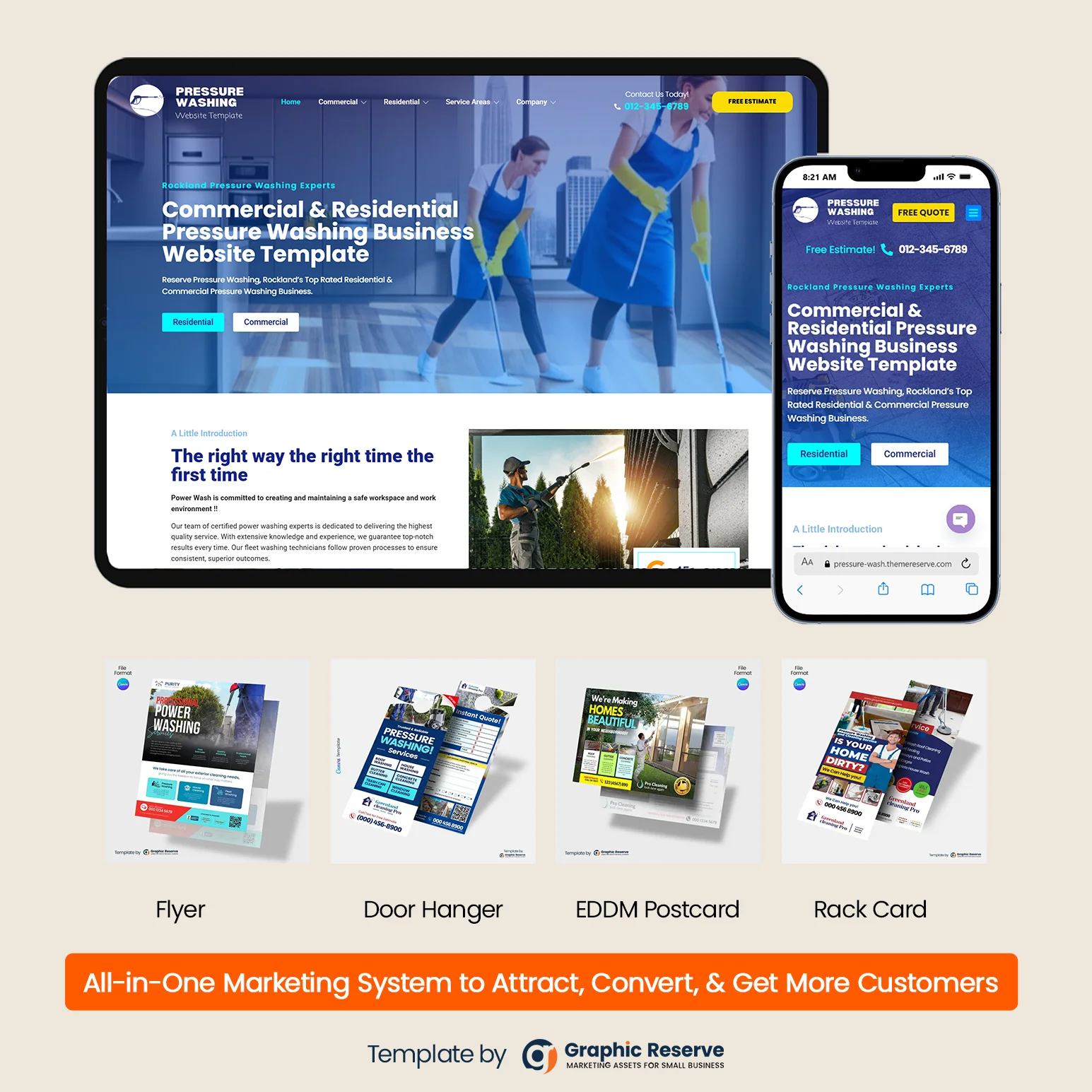
Home care advertising has two audiences. The first is families: usually an adult son or daughter looking for help for a parent, often in a hurry after a fall or a hospital stay. The second is referral sources: hospital discharge planners, doctors’ offices, rehab centers, senior living communities and churches. Good private duty home care advertising reaches both, online and offline, with the same caring face and message.
Below are 12 home care advertising ideas, from Facebook ads and Google search to direct mail, door hangers and referral flyers, with editable Canva templates you can use for each one.
1. Start with a website families can trust
Every ad, postcard and flyer sends people to your website, so build that first. Families want to see the types of care you offer, the area you serve, real photos of your team and a simple way to request care or a free assessment. Referral partners want a fast referral form. Our home care website templates give each type of care its own page and include request-care and referral forms.


2. Claim your Google Business Profile
When a family searches “home care near me”, the map results come from Google Business Profiles. Fill in every field: the services you provide, the towns you cover, your hours and photos of your team. Ask happy families for Google reviews, because reviews are what people compare first. A printed review request card that you hand over at a care visit makes asking easy.

3. Run Google search ads on “home care” searches
Paid search ads put you at the top for searches such as “in home care for elderly” or “private duty home care” in your service area. Keep the targeting tight to the zip codes you actually serve, send clicks to a page with a short request form and your phone number, and add a call button for people searching on a phone. Start with a small daily budget and keep the searches that turn into calls.
4. Use Facebook ads to reach adult children
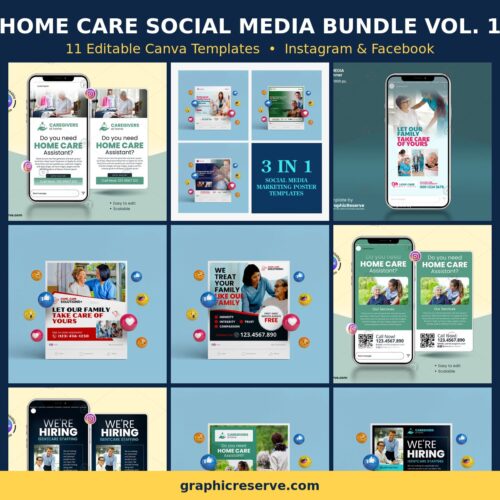
Facebook and Instagram are where many adult children spend time, so home care Facebook ads work best when they speak to them, not to the senior. Show a warm caregiver photo, name the problem (“Worried about Mom living alone?”) and offer one clear next step, such as a free in-home assessment. Post regularly on your page too, so families who check you out see an active, caring business.
5. Mail EDDM postcards to your service area
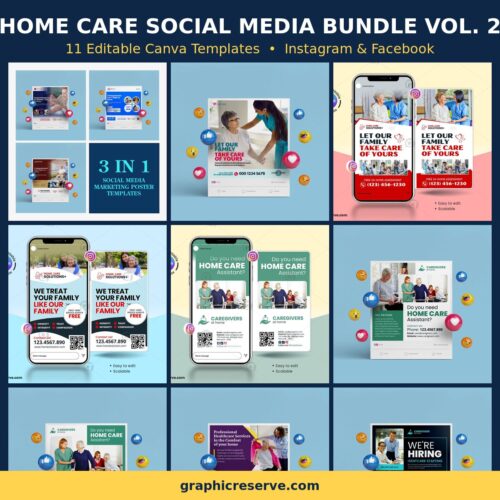
Every Door Direct Mail (EDDM) lets you mail a postcard to every home on chosen postal routes without buying a mailing list. Pick routes around your office, add a free assessment or first-visit offer, and mail more than once: people remember the agency they have seen several times when they finally need help. These are our most popular home care postcards.


6. Leave door hangers in the neighborhoods you serve
Door hangers are a low-cost way to cover the streets around current clients, senior communities and areas with many older homeowners. A clear headline such as “Let Our Family Take Care of Yours”, a short services list and your phone number are all it needs.


7. Build referral partnerships with flyers and brochures
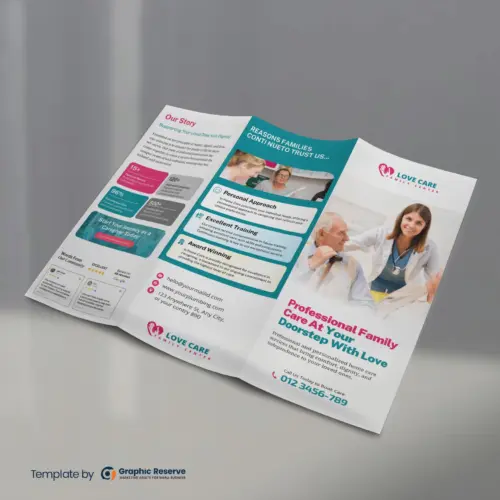
Many home care clients come through referrals. Visit discharge planners, case managers, doctors’ offices, rehab centers and senior centers, and leave something they can hand to a family: a one-page flyer for the counter or a tri-fold brochure that explains your services, team and how to refer. Follow up with a short visit every few weeks so they remember you.



8. Lead with a simple offer
A specific offer gives families a reason to call now rather than “someday”. Common home care offers are a free in-home assessment, a discount on the first week, or the first hours free. You can put the offer on your postcards and flyers, or print a separate coupon. This home care coupon template is free to download.

9. Advertise for caregivers, not only clients
Growth in home care is often limited by staff, not by clients. Use hiring flyers in community centers, churches and colleges, and hiring door hangers in your area. If you run caregiver hiring ads on Facebook, note that in the US job ads fall under Meta’s employment special ad category, which limits some targeting options.


10. Put your name on the street with yard signs
With a client’s permission, a small yard sign near their home or at your office reminds the whole street that you serve the area. Keep it to your name, one line about your care and a phone number that can be read from a car.

11. Keep every piece on one message
Families may see your postcard, then your Facebook ad, then your website. If all three use the same colors, photos and headline, they recognize you. A marketing bundle gives you a matching postcard, flyer, door hanger and more in one campaign.


12. Track where your calls come from
Ask every new caller how they heard about you, use a different phone number or QR code on each printed piece, and check which ads bring calls each month. Spend more on what brings clients and stop what does not.
A note on what you can say in home care ads
Only advertise services your license allows: non-medical home care agencies should not promise medical or nursing care. Use real photos or licensed stock photos, and get written permission before you share a client’s name, photo or story. Keep badges such as “licensed and insured” only if they are true for your agency.
Frequently asked questions
What is the best way to advertise a home care business?
Most agencies combine a trustworthy website and Google Business Profile with local search ads, direct mail to their service area and regular visits to referral partners. The right mix depends on your area, so track which channel brings calls.
Do Facebook ads work for home care?
They can, when they target the adult children who make the decision and offer a clear next step such as a free assessment. Facebook is also useful for caregiver recruitment, within Meta’s rules for job ads.
What should a home care flyer or postcard include?
A warm caregiver photo, a short headline, the types of care you provide, the area you serve, one offer, your phone number and website. Our Canva templates already have these sections, so you only replace the sample text and photos.
Can I edit these templates myself?
Yes. Every print template opens in Canva in your browser. Most use Canva premium elements, and print-ready CMYK export needs Canva Pro. Both are included in the free 30-day Canva Pro trial.
See all home care marketing templates.