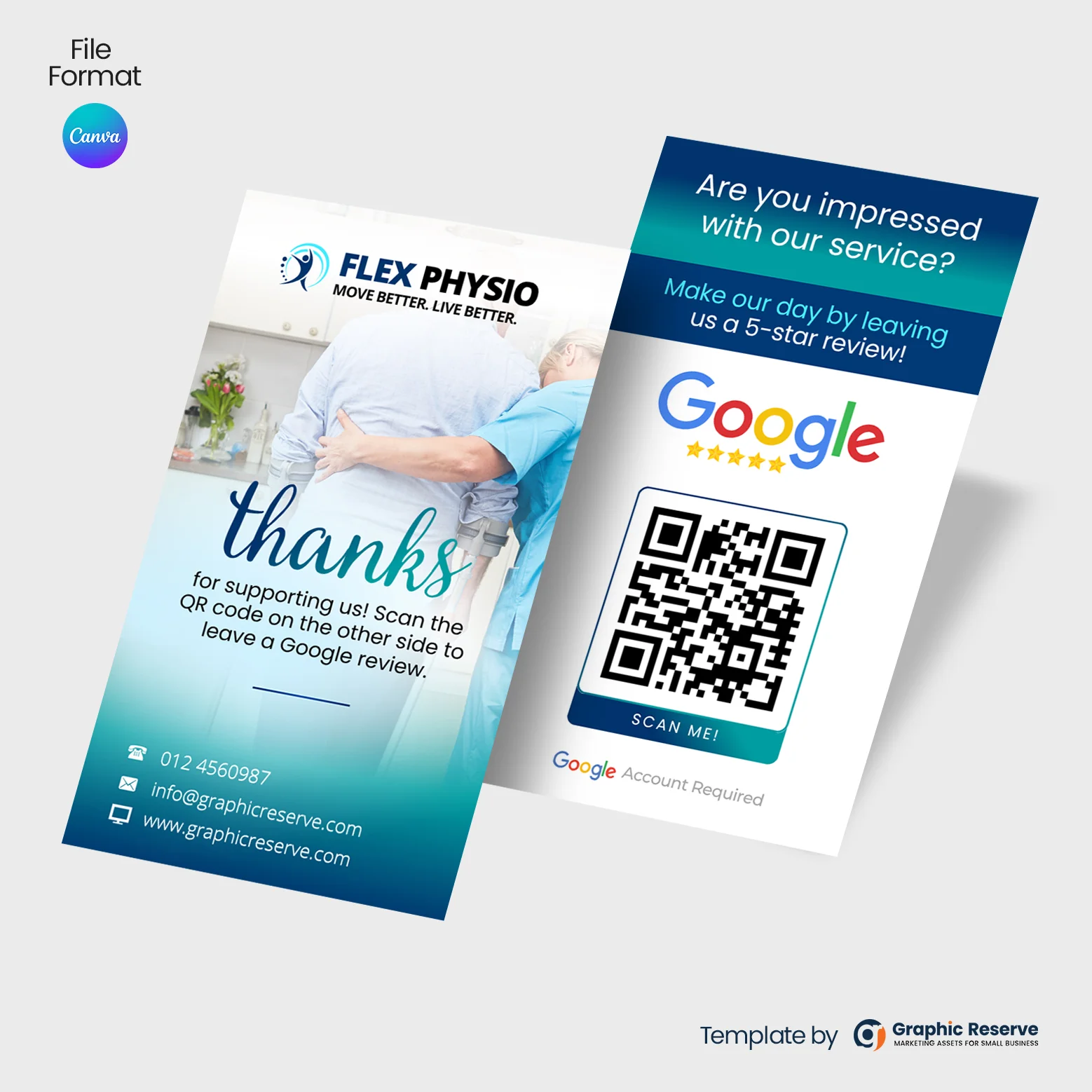
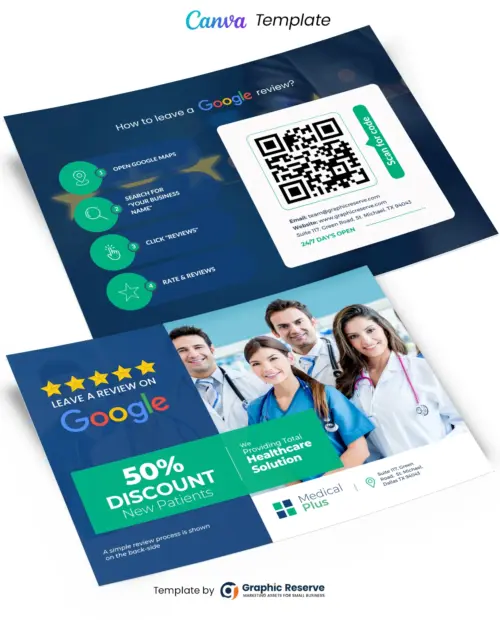
Most happy customers will leave a review if you ask at the right moment and make it easy. A leave us a review card, flyer or poster does both: it asks, and its QR code takes the customer straight to your Google review page. This guide covers what to put on yours, the rules to follow, and “review us” card, flyer and poster ideas you can edit in Canva.
What to put on a leave us a review card
- A short, friendly ask: “Happy with us? Leave us a review on Google” or “Could you do us a favor?”
- A QR code that opens your review form directly, so there is no searching
- Two or three simple steps: scan the code, tap the stars, write a sentence
- A thank-you line and your logo, so the card feels personal
- Your website or phone for customers who prefer to get in touch first
How to get your Google review link
In your Google Business Profile, choose Ask for reviews (or “Get more reviews”) to copy your review link. Paste that link into any free QR code generator, download the QR image and drop it into the QR placeholder on the template. Scan it with your phone before you print to make sure it opens the review form.
Review request rules to follow
- Do not offer a reward for reviews. Google’s policies do not allow discounts, prizes or gifts in exchange for reviews, so keep offers off your review cards.
- Ask every customer, not only the happy ones. Google does not allow selectively asking for positive reviews.
- Never write reviews for your own business or ask staff and family to do it.
Leave us a review card templates
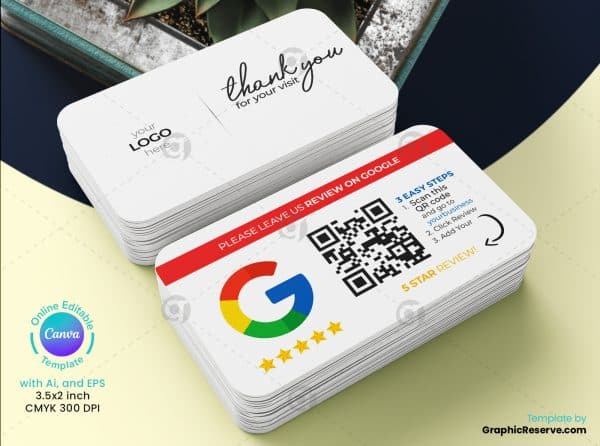
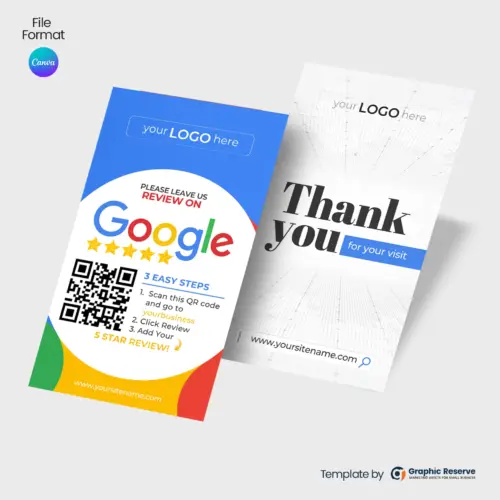
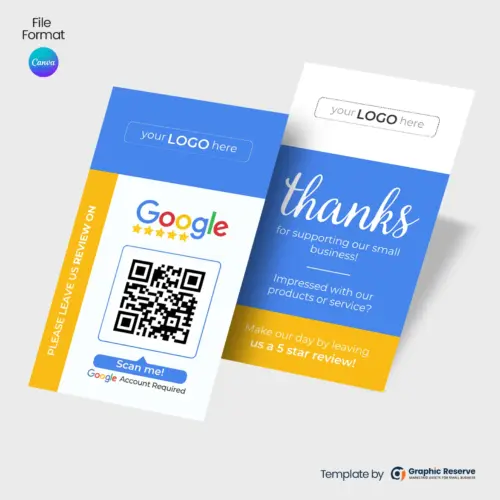
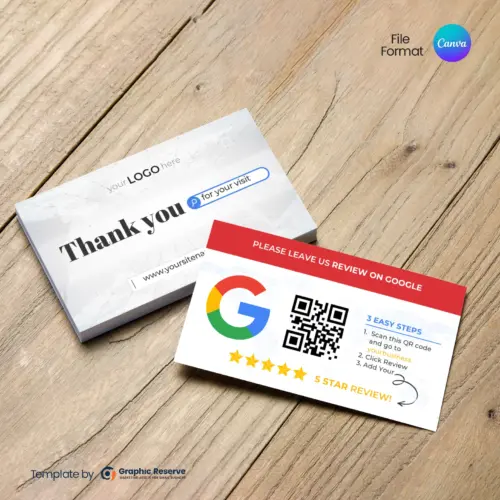
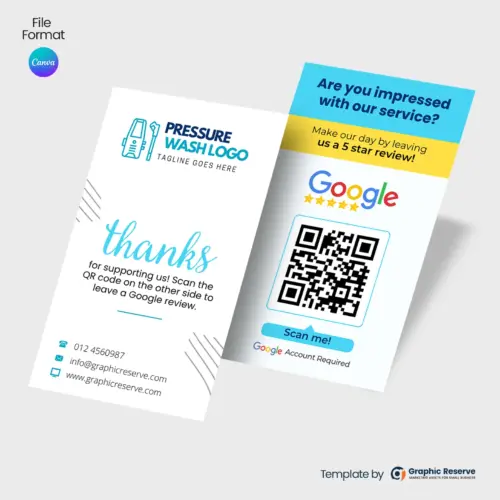
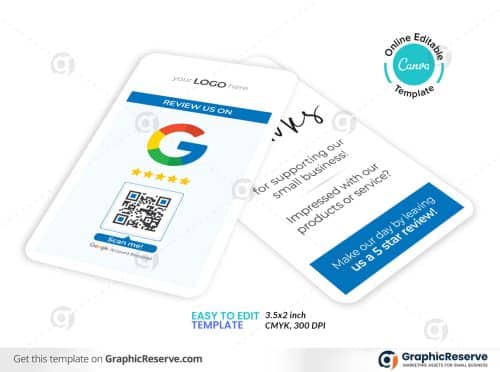
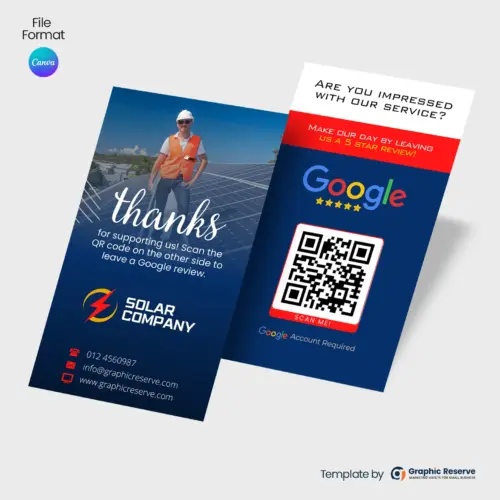
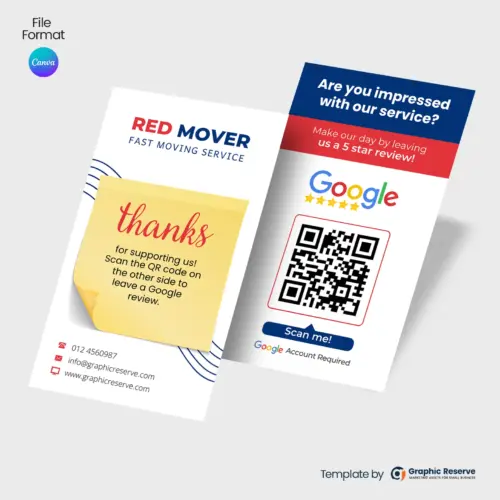
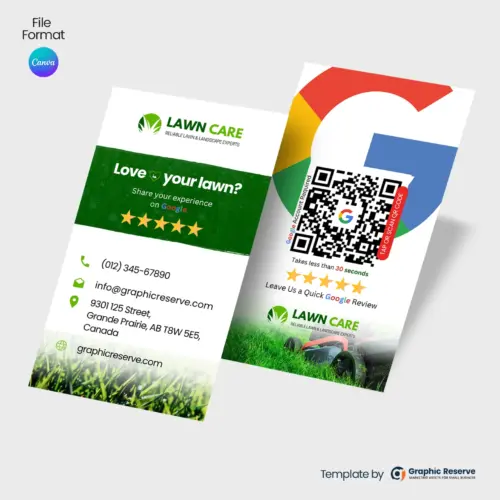
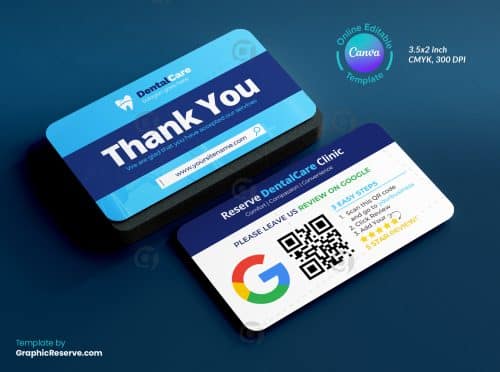
Business-card size review cards are the easiest to hand over at checkout, leave with an invoice or drop into a shipping box. The first one is our best-selling review card: a “Thank you for your visit” card with a “Please leave us a review on Google” back.

Review us poster and counter sign ideas
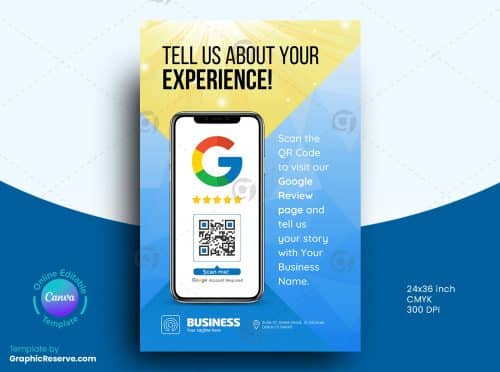
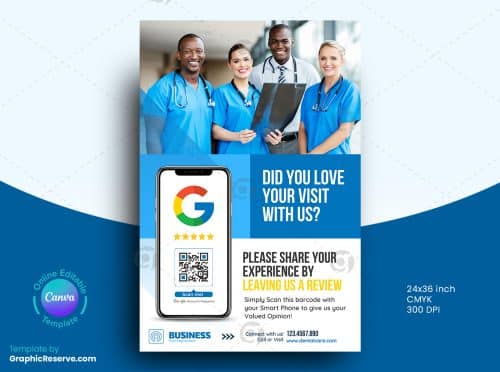
A poster at the counter, in the waiting room or by the door reminds every customer while they are still there. Keep it to a headline such as “Tell Us About Your Experience!”, a large QR code and your logo.
Review request postcards and business cards
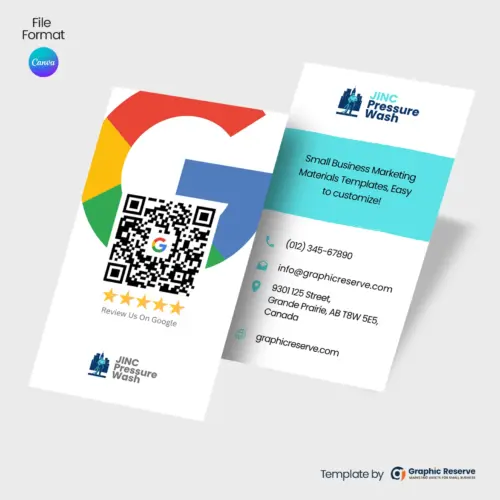
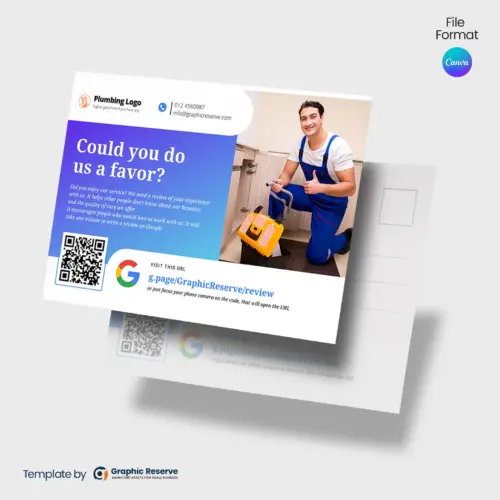
A postcard mailed a few days after the visit reaches customers who forgot to review, and a review business card works for trades who want one card that does both jobs.
When to hand out a review card
- Right after the job is finished and the customer is happy with the result
- With the invoice or receipt
- In the shipping box or bag for product orders
- On the table or counter during the visit, for restaurants, salons and clinics
Frequently asked questions
What should a leave us a review card say?
Keep it short: thank the customer, ask them to leave a review on Google, and show a QR code with two or three easy steps. For example: “Thank you for choosing us! Scan the code to leave us a quick review.”
Can I offer a discount for leaving a review?
No. Google’s review policies do not allow incentives such as discounts or prizes in exchange for reviews. Keep your review cards to a simple, honest request.
What size is a review card?
Most review cards are standard US business card size, 3.5 x 2 in. Rack cards are around 4 x 9 in, and posters and postcards come in larger sizes. Each product page lists the size of that design.
Can I edit these templates in Canva?
Yes. Replace the logo, colors, text and QR code, then download a print PDF. Most designs use Canva premium elements, and print-ready CMYK export needs Canva Pro. Both are included in the free 30-day Canva Pro trial.
See all Google review cards and Google review templates, or read our guide to Google review QR code card designs.