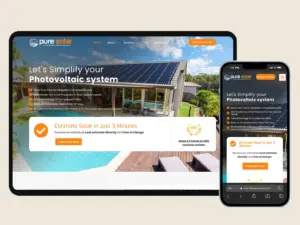
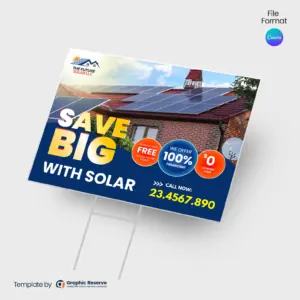
Solar Social Media Posts and Cover Design Templates

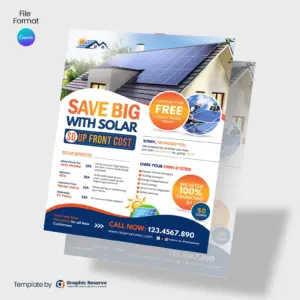
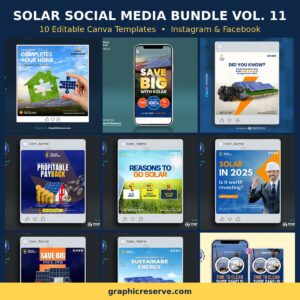
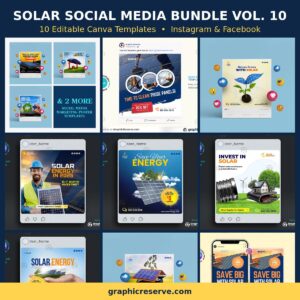
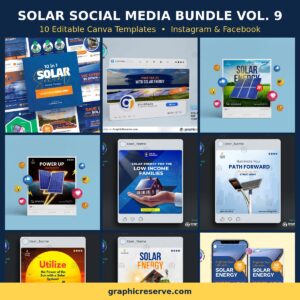
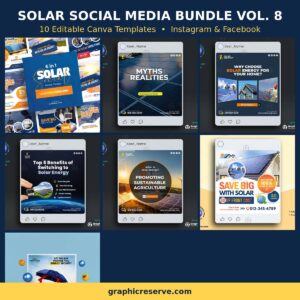
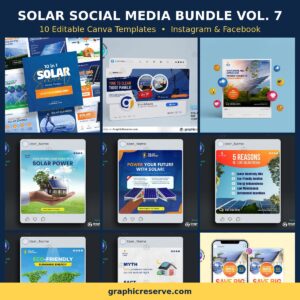
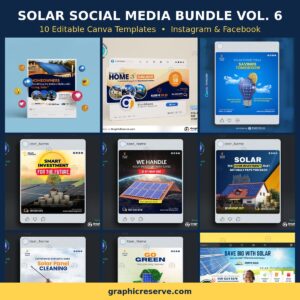
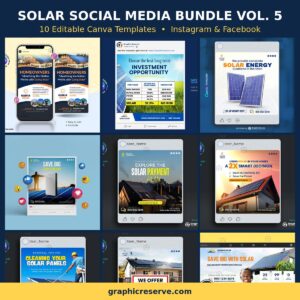
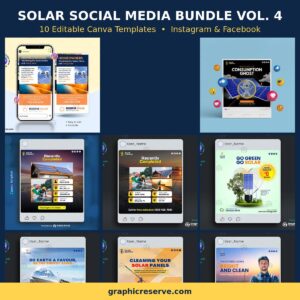
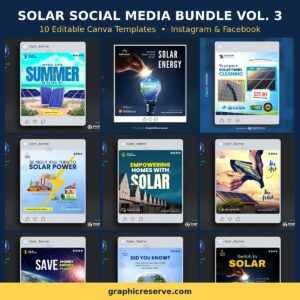
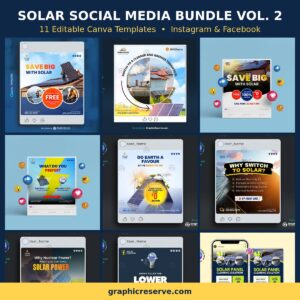
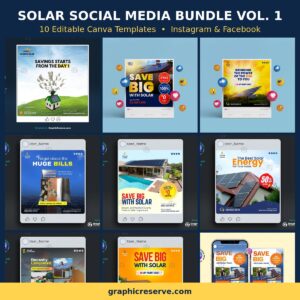
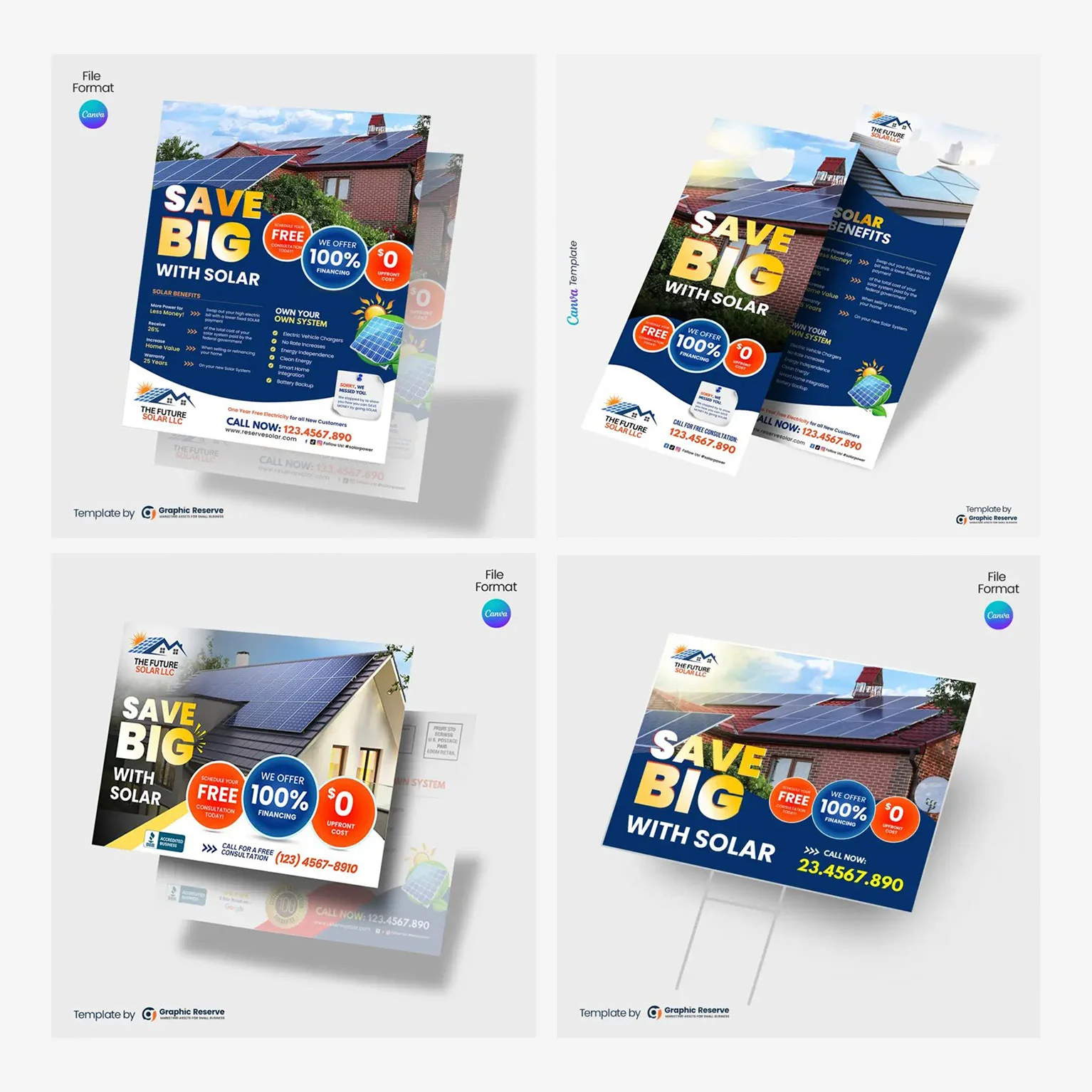
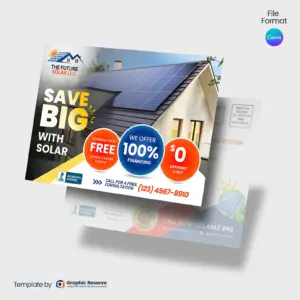
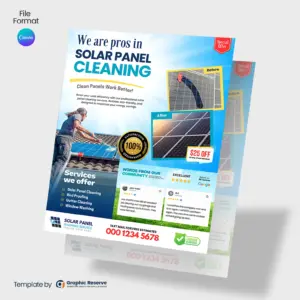
Solar Social Media Posts Canva templates and design ideas. Solar panel social media post design for solar energy business Facebook and Instagram ad. Solar power Facebook, Instagram, and LinkedIn poster and advertising for social media marketing for solar panel sales, repairing, and cleaning.

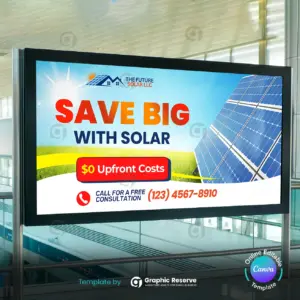
Solar digital marketing story banner template

Solar Digital Marketing Story Banner Template

Original price was: $15.00.Current price is: $8.50.

Google Customer Review Social Media Poster

Google Customer Review Social Media Poster

$10.00

Solar Panel Cleaning Service Instagram Story

Solar Panel Cleaning Service Instagram Story

$15.00

Solar Panel Cleaning Digital Marketing Poster Design Canva Templates – Canva template

Solar Panel Cleaning Digital Marketing Poster Design Canva Templates

$15.00

Featured Bundle

Solar Energy Marketing Kit Templates Bundle

Stop piecing together your marketing. Get every template you need in one kit, and start getting calls this week.

$40

$75

Save 35%
Solar Energy Canva Marketing Combo Pack Advertising

3,000+ Templates Sold

Trusted by local service pros nationwide

In Business Since 2017

Trusted experience in the industry

Editable in Canva

No expensive software needed

No Design Skills Needed

Just swap text and images, done

Instant Download

Get started right after purchase

Frequently Asked Questions

What should a solar social media template include?
Lead with the monthly savings number, mention available tax credits and financing, add local proof like installations in the neighborhood, and finish with a free-quote call to action.
What size are these solar social media templates?
Most designs in this collection are 1080x1080px, with some at 1080x1920px - the exact size is listed on each product page. Files are supplied as Canva Template, ready to edit and export for print or digital use.
Can I edit these solar templates in Canva for free?
Yes - every template opens in Canva and needs no design experience: swap the text, colors, photos, and logo in minutes. Most designs use Canva Pro (premium) elements - this is noted on each product page - and Canva offers a free 30-day Pro trial with no credit card required, so you can fully edit and export your design without paying upfront. See our guide to using Canva premium elements on the free trial.
How do I print these social media templates after editing?
Export your finished design straight from Canva and send it to any local print shop or online printer. Each product page lists the exact size so your printer gets the right file first time. Note: exporting a CMYK print-ready file requires Canva Pro (or its free 30-day trial).
Is this a one-time purchase?
Yes - it is a one-time purchase with instant download. Edit and re-export as often as you need for your own business, season after season. See our license page for full usage terms.
Secret Link
web-cookie

This website uses cookies to ensure you get the best experience on our website.

Email
*
*