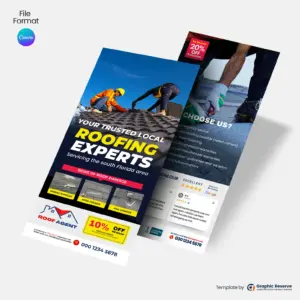
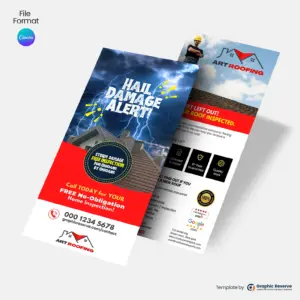
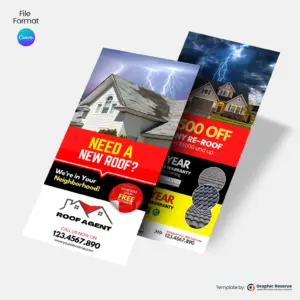
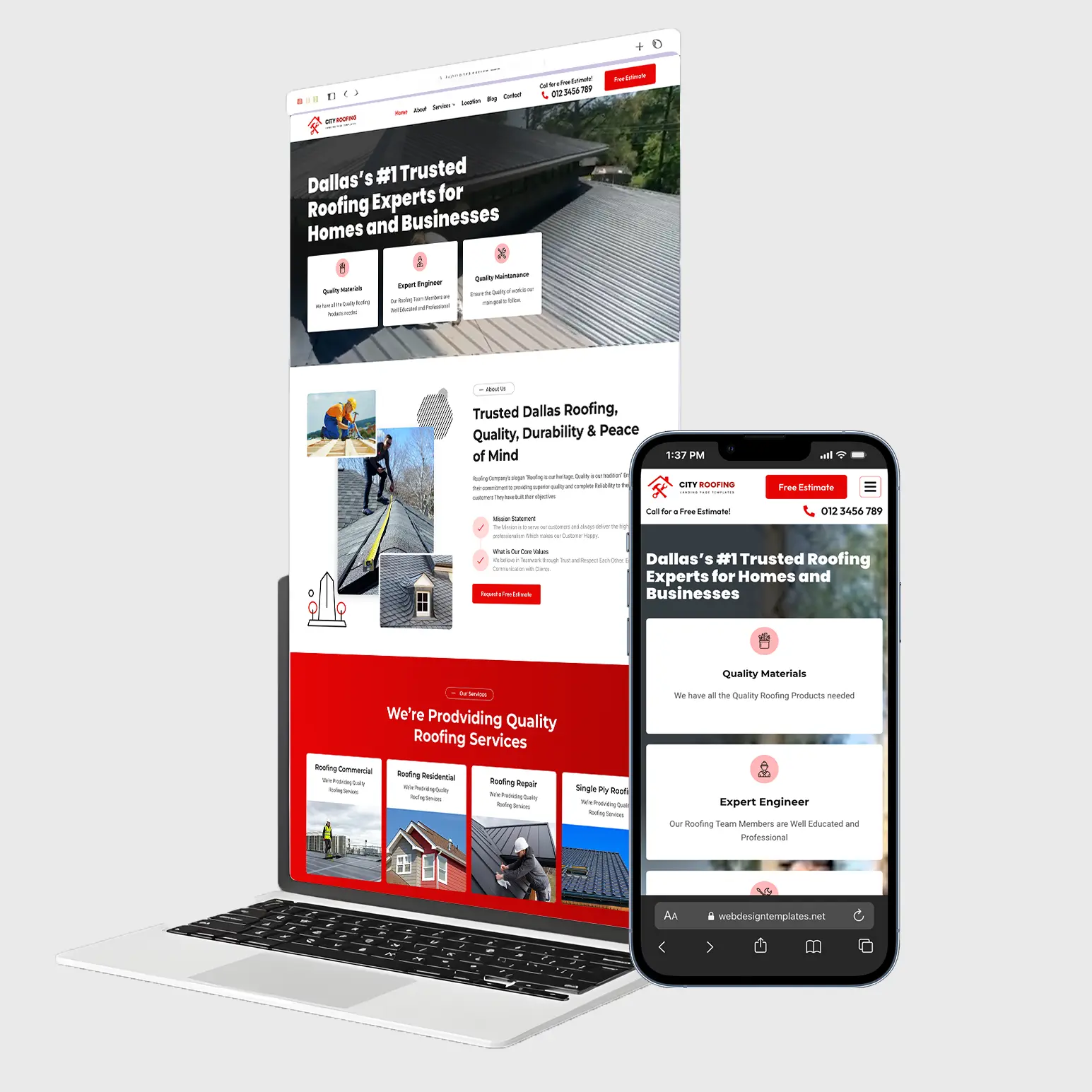
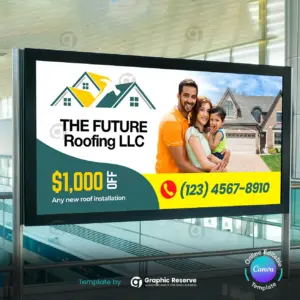
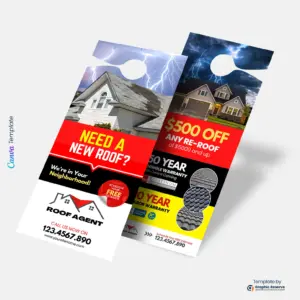
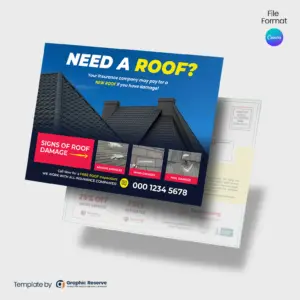
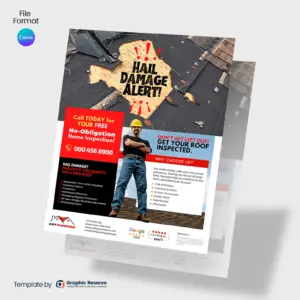
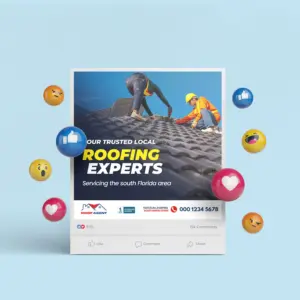
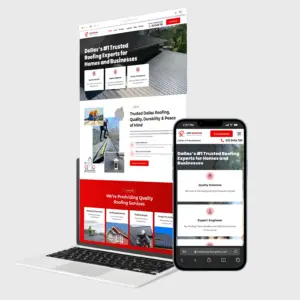
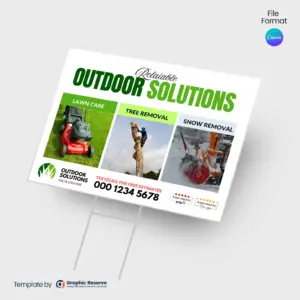
Stand out with professionally designed roofing rack card templates in Canva. Easily customize these eye-catching designs to promote your roofing services, showcase offers, and build trust with potential clients—no graphic design experience required.
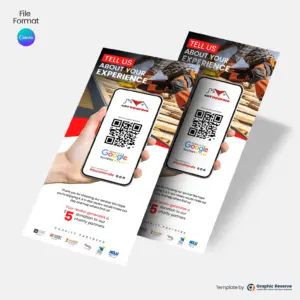
A short headline, your offer or review request, and a QR code that goes straight to the right page, such as your Google review link. Keep it to one action so people actually scan it. For roofing businesses specifically: front-load the free inspection offer, mention insurance-claim help for storm or hail damage, show license and insurance credentials, and use a financing monthly price to make the decision smaller.
What size are these roofing rack cards and review cards?
All designs in this collection are 3.74 x 8.27 in.
Can I edit these roofing rack cards and review cards without design experience?
Yes. Every template opens in Canva in your browser, so you only replace the text, photos, colors and logo. Most designs use Canva Pro elements, which you can use with the free 30-day Canva Pro trial.
How do I use review request cards?
Hand one to the customer when the job is finished, or leave cards at the front desk. The QR code should open your Google review page directly; you can create that link in your Google Business Profile.
This website uses cookies to ensure you get the best experience on our website.