High-Converting Google Review Templates for Every Format
Getting customers to leave feedback shouldn’t be a hassle. Our collection covers every format your business needs to capture reviews on the spot:
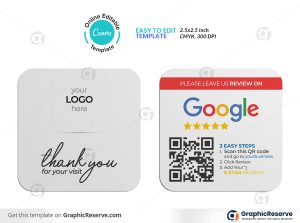
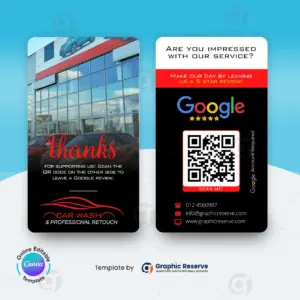
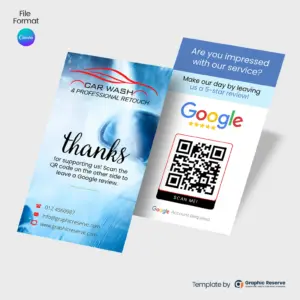
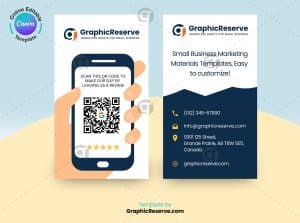
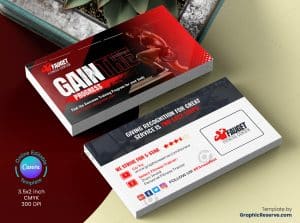
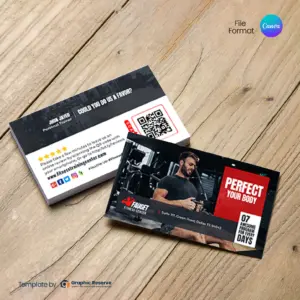
Google Review Business Cards: Perfect for hand-to-hand delivery by field service professionals, contractors, and home-service teams.
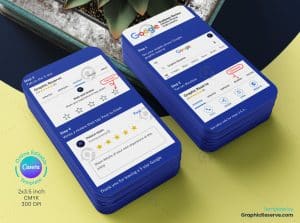
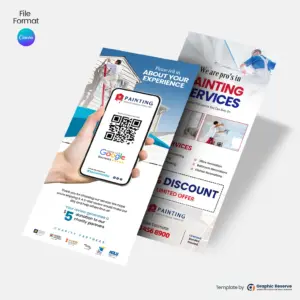
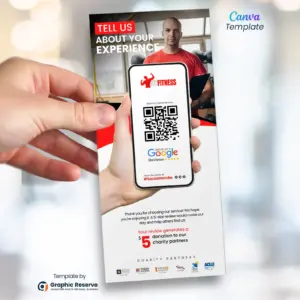
Rack Cards & Rating Cards: Ideal for reception desks, check-out counters, and waiting areas.
QR Code Stickers & Decals: Stick them directly onto product packaging, store windows, or company vehicles.
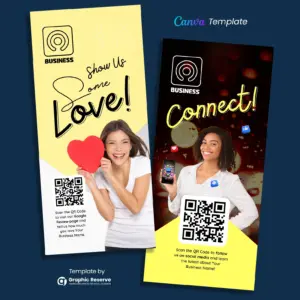
Flyers & Posters: High-visibility designs for locations where customers spend time waiting.
How to Optimize Your Review Collection Strategy
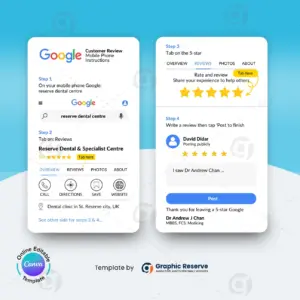
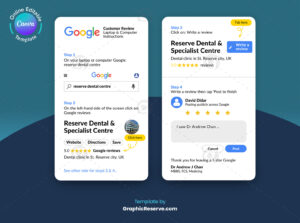
Grab Your Direct Link: Open your Google Business Profile, select “Ask for reviews,” and copy your short review link.
Embed the QR Code: Paste your direct link behind the QR code on any of our templates. (Tip: Sending customers straight to your review popup instead of your homepage eliminates friction and triples your conversion rate!)
Customize in Canva: Easily edit colors, add your brand logo, and update text in minutes. All designs are fully editable and print-ready.
3,000+ Templates Sold
Trusted by local service pros nationwide
In Business Since 2017
Trusted experience in the industry
Editable in Canva
No expensive software needed
No Design Skills Needed
Just swap text and images, done
Instant Download
Get started right after purchase
Frequently Asked Questions
What should a good Google review card include?
A short headline, your offer or review request, and a QR code that goes straight to the right page, such as your Google review link. Keep it to one action so people actually scan it.
What size are these Google review rack cards and review cards?
Most are 3.5 x 2 in, and some are 3.74 x 8.27 in or 9 x 6 in. The exact size of each card is on its product page.
Can I edit these Google review rack cards and review cards without design experience?
Yes. Every template opens in Canva in your browser, so you only replace the text, photos, colors and logo. Most designs use Canva Pro elements, which you can use with the free 30-day Canva Pro trial.
How do I use review request cards?
Hand one to the customer when the job is finished, or leave cards at the front desk. The QR code should open your Google review page directly; you can create that link in your Google Business Profile.
This website uses cookies to ensure you get the best experience on our website.