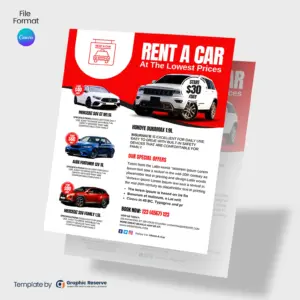
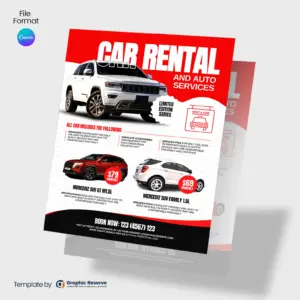
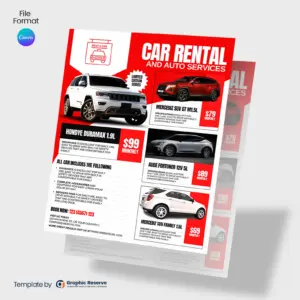
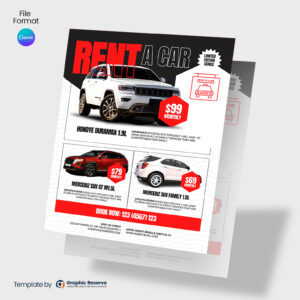
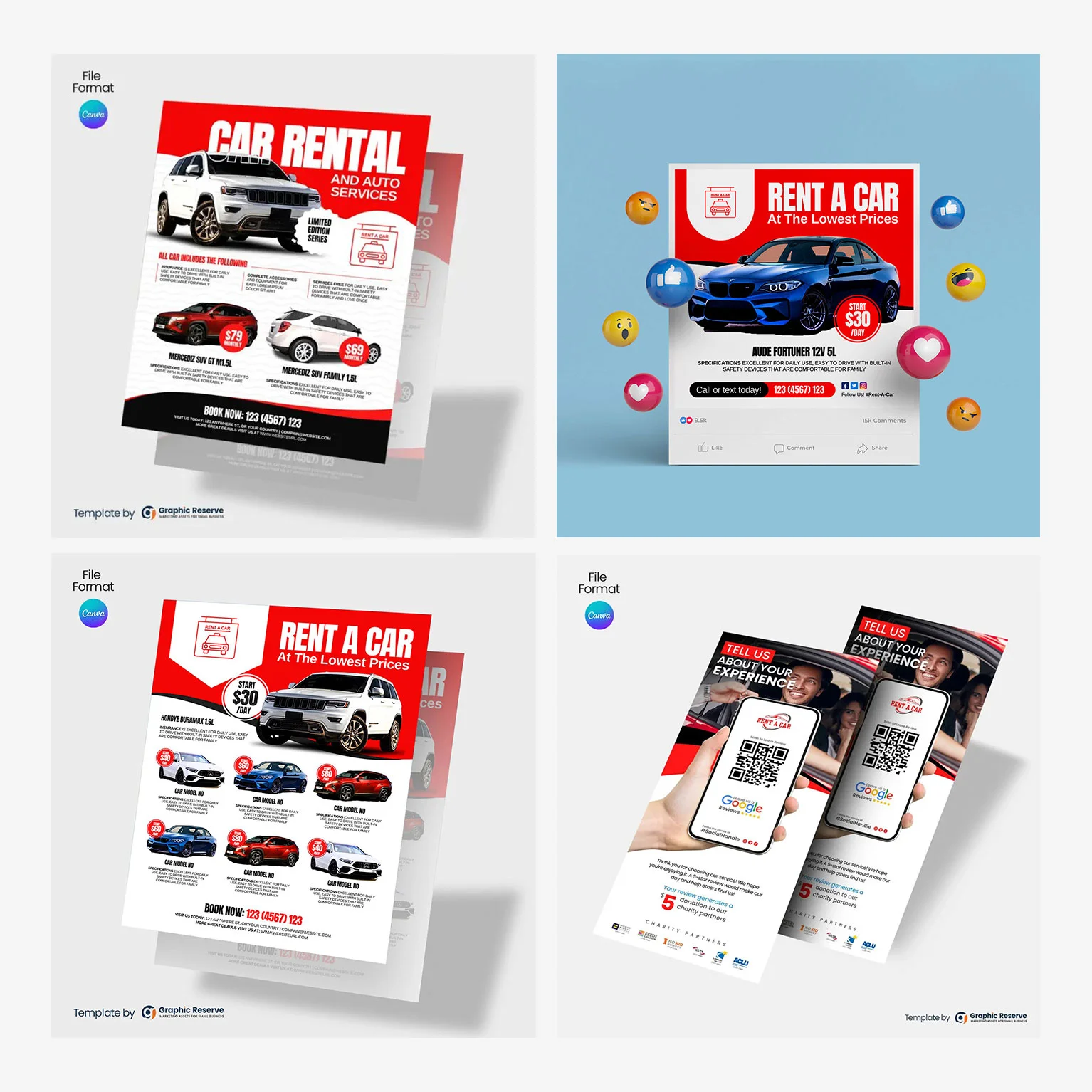
Download Canva templates for car rental flyer design. Our flyers feature details on car rental pricing, as well as special offers, hourly rates, and full-day rental options. Use these marketing flyers to promote your car rental services.
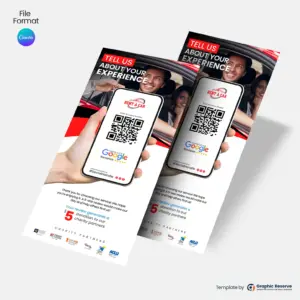
Car Rental Google Review Rack Card Design | 5 Star Canva Template
$19.99Original price was: $19.99.$18.50Current price is: $18.50.
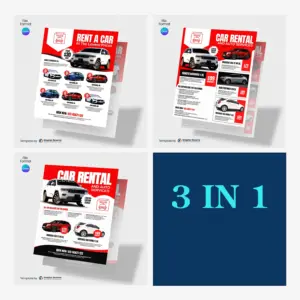
Car Rental & Auto Service Flyer Design Templates | 3 in 1 Canva Bundle
$23.00
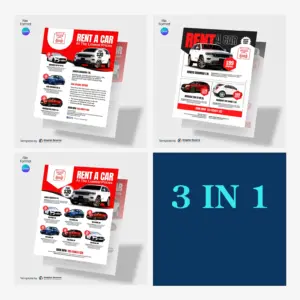
Rent a Car Flyer Design Templates | 3 in 1 Canva Bundle for Rental Firms
$23.00
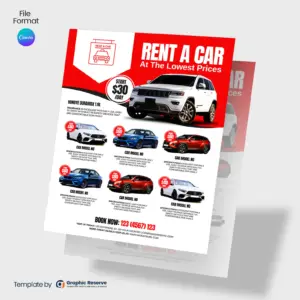
Rent a Car Flyer Design Canva Template
$10.00
Rent Car Flyer Design Canva Template
$10.00
Car Rental Flyer Design Template | Canva Design for Vehicle Hire Businesses
$10.00
Car Rental Flyer Design Canva Template
$10.00
Rent a Car Flyer Design Template | Editable Canva Design for Rental Firms
$10.00
Featured Bundle
Car Rental Marketing Material Templates Bundle
Stop piecing together your marketing. Get every template you need in one kit, and start getting calls this week.
One headline benefit, a short list of services, trust signals such as licensed, insured or reviews, one offer, and your phone number and QR code where they are easy to find.
What size are these car rental flyers?
Most are 8.5 x 11 in, and some are 3.74 x 8.27 in. The exact size of each flyer is on its product page.
Can I edit these car rental flyers without design experience?
Yes. Every template opens in Canva in your browser, so you only replace the text, photos, colors and logo. Most designs use Canva Pro elements, which you can use with the free 30-day Canva Pro trial.
Where can I print flyers?
Any local print shop or online printer. Export a print PDF from Canva; CMYK export needs Canva Pro (included in the free 30-day Canva Pro trial). For handouts, a heavier gloss paper looks more professional than copy paper.