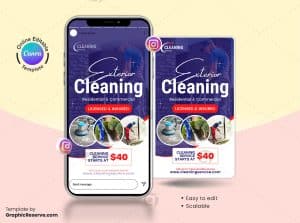
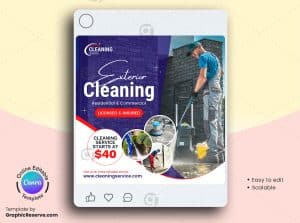
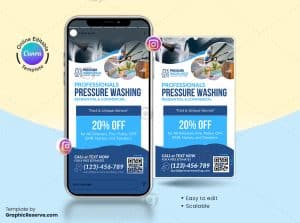
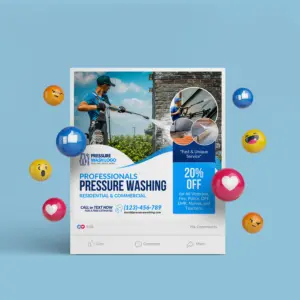
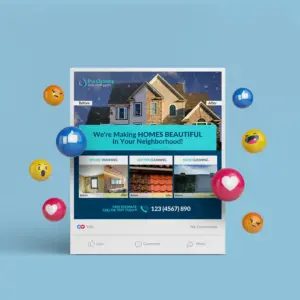
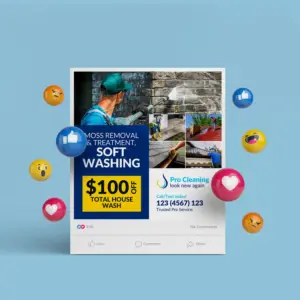
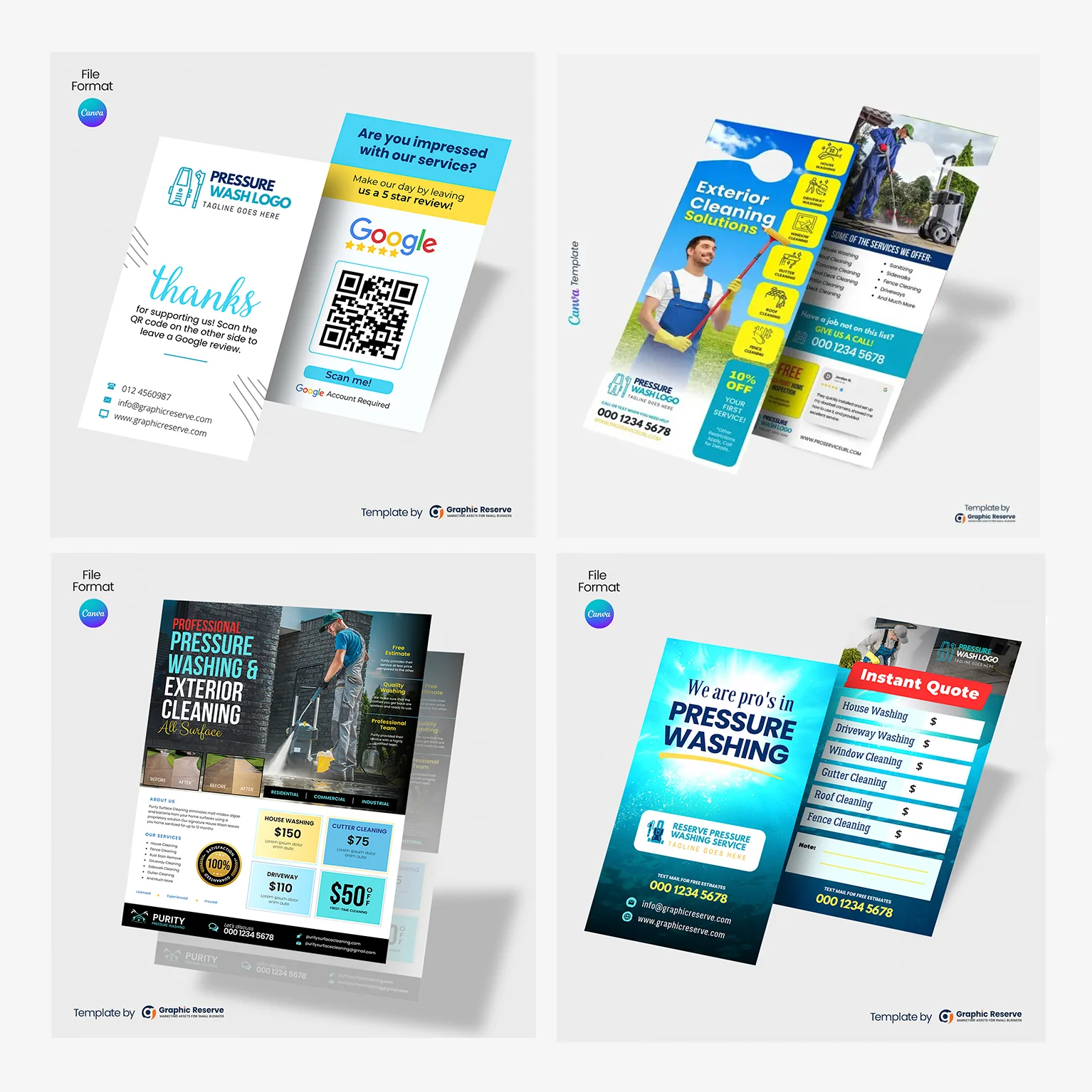
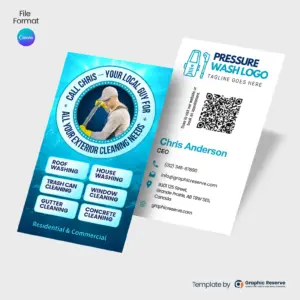
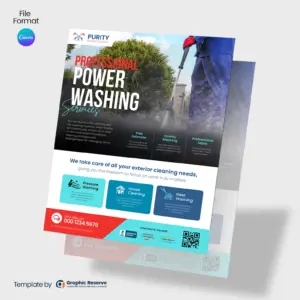
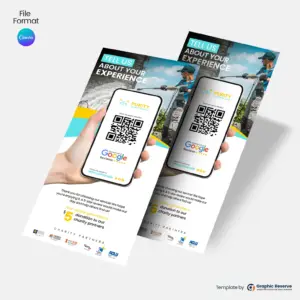
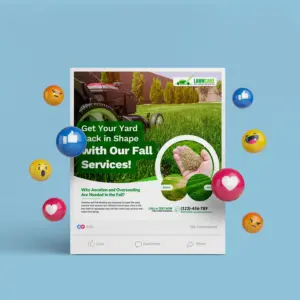
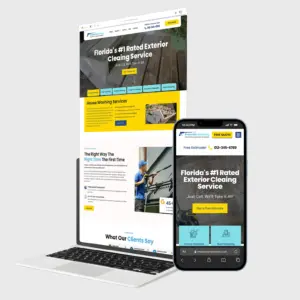
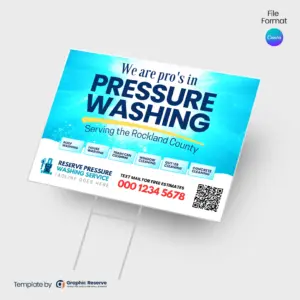
What makes a pressure washing social media template effective?
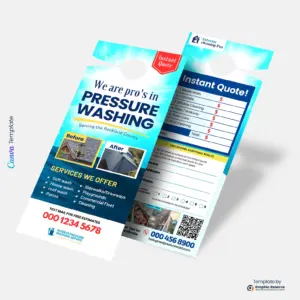
Before/after photos do the selling - make them big. Add a clear price or instant-quote box, list the surfaces you clean, and include a deadline-driven offer to prompt action.
What size are these pressure washing social media templates?
Most designs in this collection are 1080x1080px, with some at 1080x1920px - the exact size is listed on each product page. Files are supplied as Canva Template, ready to edit and export for print or digital use.
Can I edit these pressure washing templates in Canva for free?
Yes - every template opens in Canva and needs no design experience: swap the text, colors, photos, and logo in minutes. Most designs use Canva Pro (premium) elements - this is noted on each product page - and Canva offers a free 30-day Pro trial with no credit card required, so you can fully edit and export your design without paying upfront. See our guide to using Canva premium elements on the free trial.
How do I print these social media templates after editing?
Export your finished design straight from Canva and send it to any local print shop or online printer. Each product page lists the exact size so your printer gets the right file first time. Note: exporting a CMYK print-ready file requires Canva Pro (or its free 30-day trial).
Is this a one-time purchase?
Yes - it is a one-time purchase with instant download. Edit and re-export as often as you need for your own business, season after season. See our license page for full usage terms.
More templates related to Pressure Washing Social Media