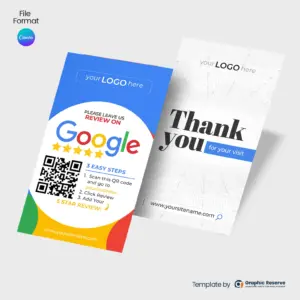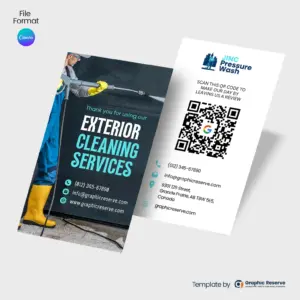
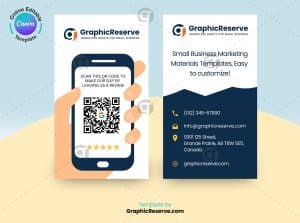
Pressure-Washing-Google-Review-Business-Card-Canva-Template

Pressure Washing Google Review Request Business Card Design | 5 Star Canva Template

$9.99

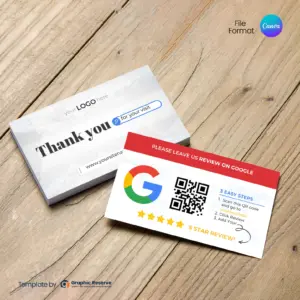
Google Review Card Template with QR code

Google Review Card Design Template | Editable Canva Design for Local Business

$10.00

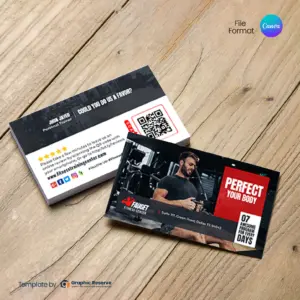
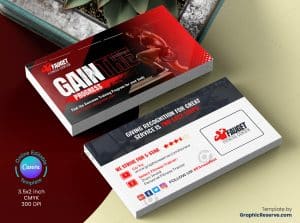
Fitness Business Review Card 2v

Fitness Business Review Card Design Template | Proven Canva Layout for Gyms

$10.00

Fitness Business Review Card 1v

Fitness Business Review Card Design Template | Canva Design to Collect Reviews

$10.00

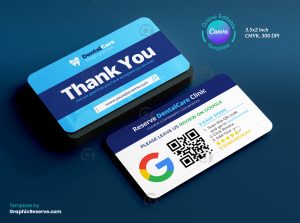
Dental Business Review Card

Dental Google Review Request Business Card Design | 5 Star Canva Template for Dentists

$10.00

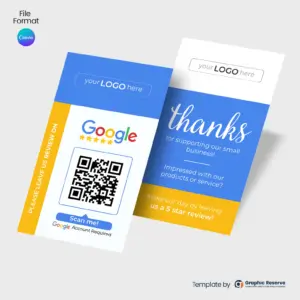
Google Business Rating with Easy QR Code Review Card

Google Business Rating QR Code Review Card Design Template | Canva Design

$10.00

Google Business Rating Review Card

Google Business Rating Review Card Design Canva Template

$10.00

Google 5 Star Rating Business Review Card

Google 5 Star Rating Business Review Card Design Canva Template

$12.00

Why Use Google Review Request Cards?

Asking for a review verbally often gets forgotten once the customer leaves. Handing them a physical google review request card bridges the gap. As soon as a job is finished or a sale is completed, putting a card directly into their hands—or dropping it in a bag—removes all the friction.

Built for Every Local Business & Contractor

Whether you run a home service company, a retail shop, or a professional practice, our business review cards are built to convert. Our templates are widely used by:

  • Contractors & Home Services: Plumbers, roofers, landscapers, and cleaners who hand cards directly to homeowners at the front door.

  • Retail & Salons: Perfect for front counters, checkouts, and packaging slips.

  • Clinics & Offices: Ideal for waiting rooms and front desk checkout areas.

How to Set Up Your Review Cards in Minutes

  1. Get Your Direct Link: Go to your Google Business Profile, click “Ask for reviews,” and copy your short review URL.

  2. Add Your QR Code: Paste your direct link behind the QR code on any of our leave a review business cardtemplates in Canva.

  3. Print & Distribute: Export your finished design as a high-resolution PDF and print them locally or via services like VistaPrint or Canva Print.

3,000+ Templates Sold

Trusted by local service pros nationwide

In Business Since 2017

Trusted experience in the industry

Editable in Canva

No expensive software needed

No Design Skills Needed

Just swap text and images, done

Instant Download

Get started right after purchase

Frequently Asked Questions

What should a good Google review card include?
Your name, role, phone number and website on the front, and your services or a QR code on the back. A QR code that opens your booking page or Google review page makes the card more useful after the job.
What size are these Google review business cards?
Most are 3.5 x 2 in, and some are 9 x 6 in. The exact size of each card is on its product page. The standard US business card size is 3.5 x 2 in.
Can I edit these Google review business cards without design experience?
Yes. Every template opens in Canva in your browser, so you only replace the text, photos, colors and logo. Most designs use Canva Pro elements, which you can use with the free 30-day Canva Pro trial.
What paper should I print business cards on?
Most printers offer 14 pt or 16 pt card stock in matte or gloss. Export a print PDF from Canva with CMYK color (Canva Pro, included in the free 30-day Canva Pro trial).
web-cookie

This website uses cookies to ensure you get the best experience on our website.

Email
*
*