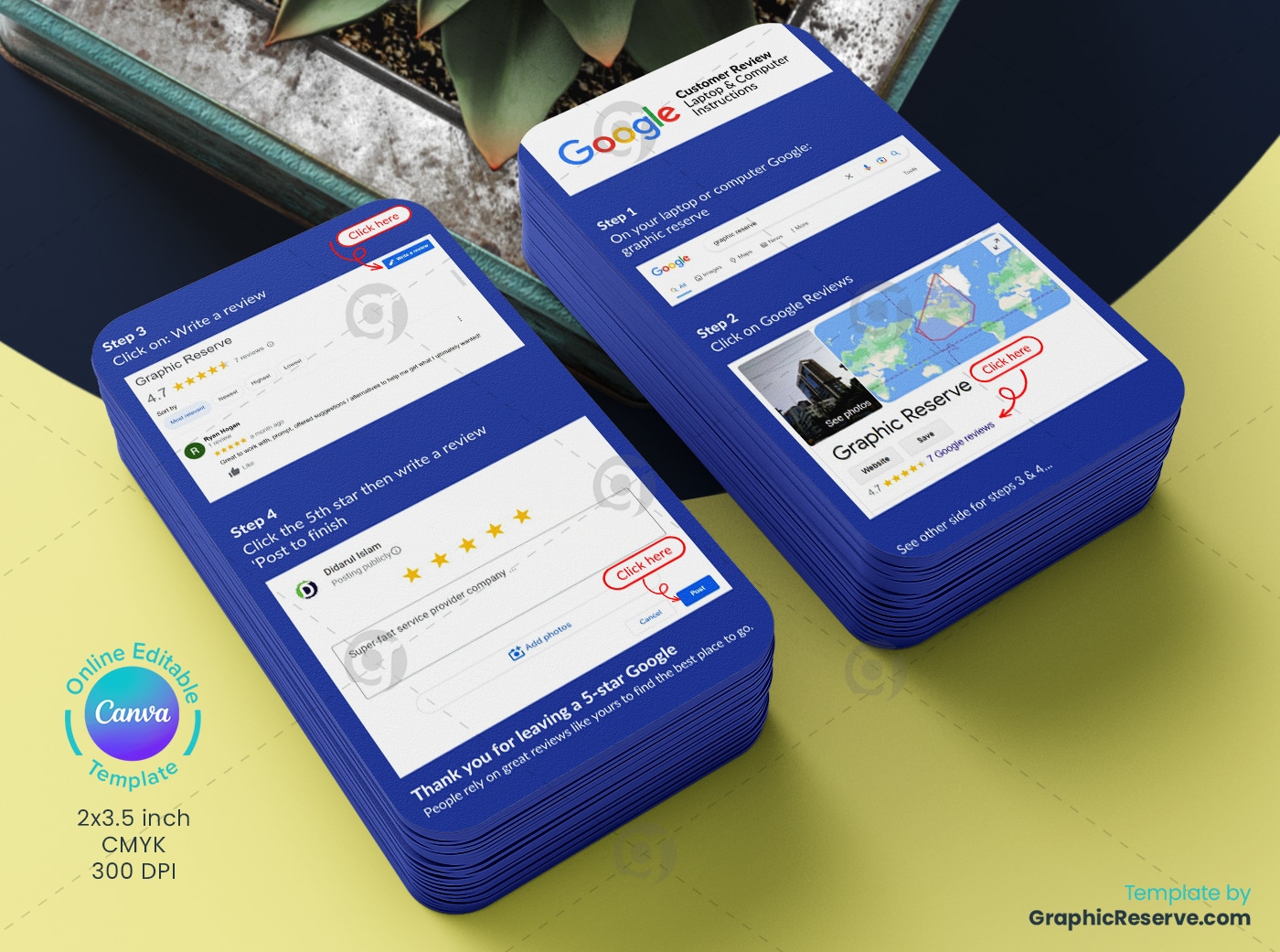
Google Customer Review Card Design Canva Template

$10.00

Instant Download

Commercial License

Edit in Canva

Instructions

A Google customer review card template with four illustrated steps for leaving a review from a laptop. A blue instruction card design that walks customers through finding your business and posting a 5-star review.

Share

Description

A Google customer review card template with four illustrated steps for leaving a review from a laptop. A blue instruction card design that walks customers through finding your business and posting a 5-star review.

How it helps your business: Many customers want to leave a review but do not know how. Step-by-step screenshots remove that barrier and bring in more reviews.

Edit it in Canva: 2 x 3.5 in, rounded corners. Replace the sample business name and screenshots (they show Graphic Reserve’s own listing) with screenshots of your Google Business Profile. Graphic Reserve is not affiliated with Google. The design uses Canva premium elements, available with the free 30-day Canva Pro trial, which also unlocks CMYK export.

More google review cards.

Reviews

There are no reviews yet.

Be the first to review “Google Customer Review Card Design Canva Template”

Your email address will not be published. Required fields are marked *

12 − four =

Google Customer Review Card Design 1
SKU GR-54351 Categories , Tags Business rating card design, Canva Google Review Card, Customer Review Card, Customer Review Computer Instruction Card, Customer Review Mobile Instruction Card, Google Business Review Card Canva Design, Google Customer Review Card, Google rating card, Google review card, Google Review Card Canva template, Review card